GIF to PNG Converter
Extract high-quality PNG frames from GIFs — 100% private, no upload
Drop GIF here or click to upload
Supports static & animated GIF up to 50MB
What is GIF to PNG Converter?
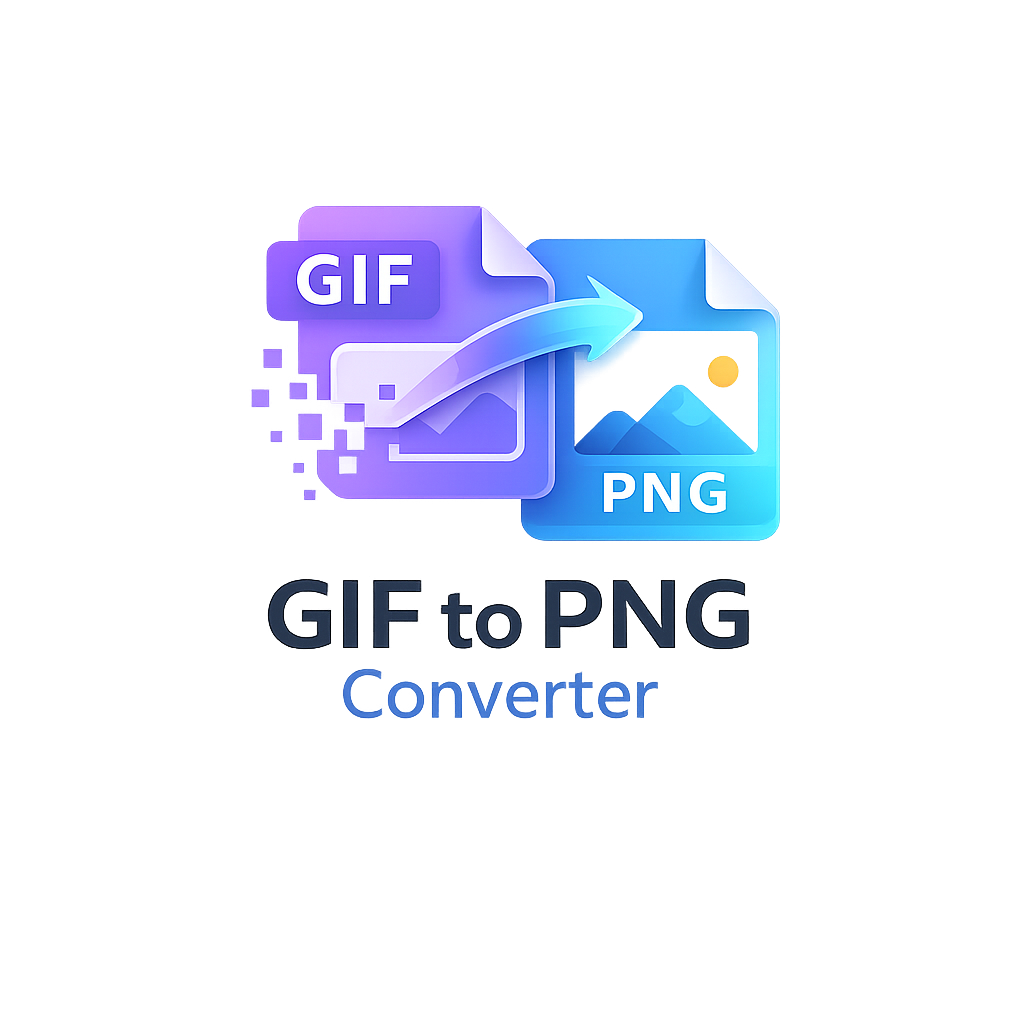
Our tool converts GIF images into PNG format while preserving transparency and quality. Extract all frames from animated GIFs or convert static GIFs instantly — all within your browser, no upload required.
Why convert GIF to PNG?
PNG offers lossless compression, better color depth, and supports full alpha transparency, making it ideal for web graphics, logos, UI design, and image editing. Converting GIF to PNG improves image clarity and reduces visual artifacts.
GIF vs PNG Comparison
GIF: limited to 256 colors, supports animation. PNG: millions of colors, better compression, no animation but frame extraction provides static high-quality images. Convert animated GIFs to multiple PNGs for advanced editing.
Animated GIF frame extraction
Extract every frame as a separate PNG image for use in video editing, meme deconstruction, sprite sheets, or forensic analysis. Our extractor preserves original resolution and transparency.
How the conversion works
The tool loads your GIF into a hidden canvas, decodes frames using JavaScript, and exports each frame as PNG via canvas.toDataURL. Entirely client-side, private, and blazing fast.
Graphic design & web dev use cases
Designers use PNG layers, developers need high-quality assets, and social media managers extract frames for thumbnails. PNGs are universally supported and smaller than uncompressed formats.
Transparency support explained
GIF supports 1-bit transparency (pixel fully transparent or opaque). PNG supports 8-bit alpha channel, making it superior for smooth edges and shadows. Our tool retains transparency during conversion.
Technical explanation of formats
GIF uses LZW compression and a global color table. PNG uses DEFLATE compression and supports truecolor. Converting GIF to PNG can increase color fidelity while maintaining small files.
Best practices & common issues
Large animated GIFs may generate many PNGs (up to 200 frames). Use “Download All as ZIP” for convenience. Our tool supports up to 50 MB and 300 frames for performance.
Advantages of browser-based processing
No server, no upload, zero privacy concerns — everything runs locally. Works offline after loading, no API keys, no subscription.