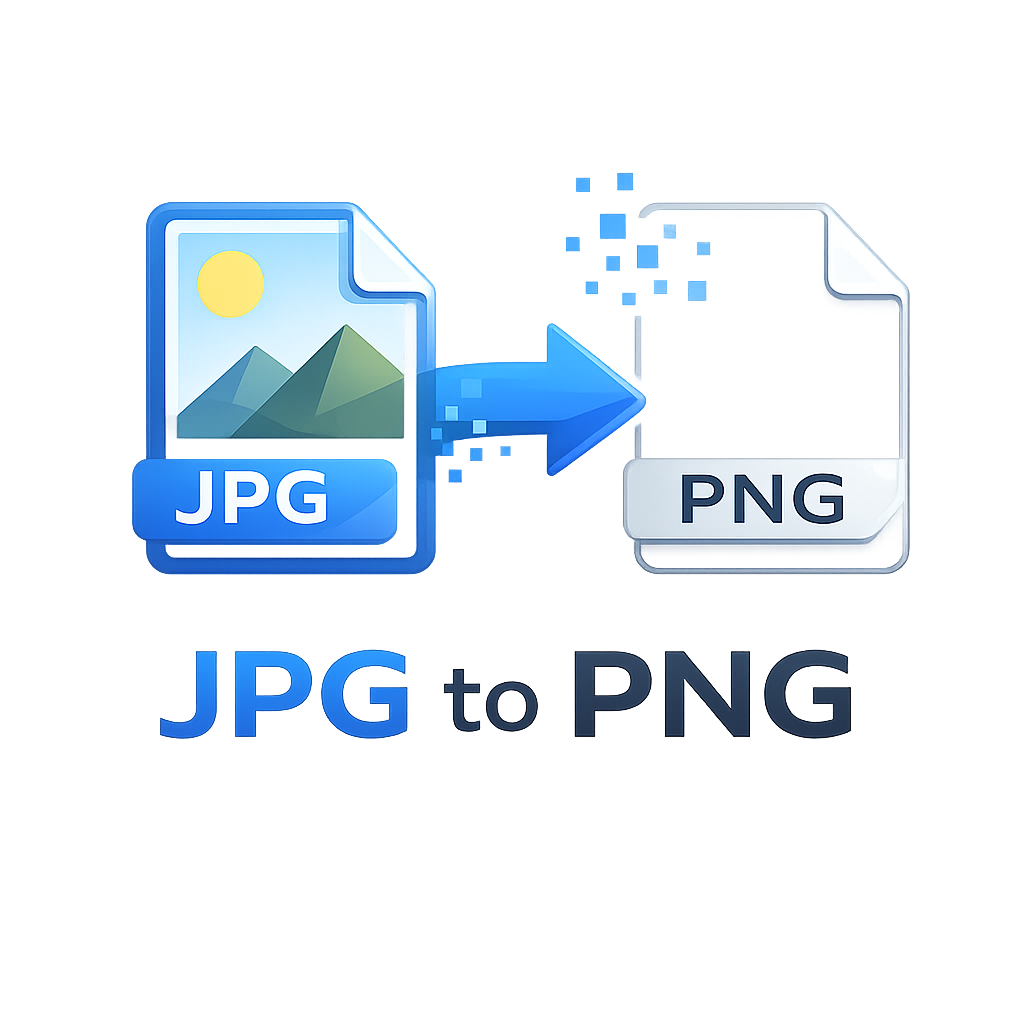
JPG to PNG Converter
Convert JPEG images to high-quality PNG files instantly in your browser — 100% private and secure
What is JPG to PNG Converter?
JPG to PNG Converter is a professional browser-based tool that transforms JPEG images into PNG format without uploading files to any server. Unlike traditional online converters that risk your privacy, our tool processes everything locally on your device using the HTML5 Canvas API. This means your sensitive images, personal photos, or confidential design assets never leave your computer. The conversion preserves original resolution, colors, and details while adding PNG’s unique benefits like transparency support and lossless compression. Whether you’re a graphic designer needing transparent backgrounds, a web developer optimizing assets, or an e-commerce seller preparing product images, this tool delivers professional results instantly.
Why Convert JPG to PNG?
Converting JPG to PNG is essential when you need image transparency, lossless quality, or text overlays. JPG uses lossy compression that discards data to reduce file size, creating artifacts around text and sharp edges. PNG’s lossless compression preserves every pixel perfectly, making it ideal for logos, screenshots, diagrams, and graphics with text. Additionally, PNG supports alpha channels for transparent backgrounds – impossible with JPG. For web developers, PNG ensures crisp UI elements and icons. E-commerce platforms benefit from PNG’s ability to display product images with transparent backgrounds on any color scheme. Print designers prefer PNG when multiple edits are required since no quality is lost during resaving.
JPG vs PNG: Key Differences
JPG (JPEG): Lossy compression, smaller file size, no transparency, 16.7 million colors, best for photographs and real-world images. Creates artifacts and blurring around text and edges.
PNG (Portable Network Graphics): Lossless compression, larger file size, full transparency support (alpha channel), 16.7 million colors plus alpha, ideal for graphics, logos, screenshots, and images requiring sharp text or transparent backgrounds.
Benefits of PNG Format
✓ Lossless compression – no quality degradation
✓ Transparency support for backgrounds
✓ Perfect for text and sharp edges
✓ Metadata preservation
✓ Gamma correction for consistent display
✓ Interlacing for progressive rendering
✓ Open standard with no patents
✓ Better for multiple edit cycles
Technical Explanation: How It Works
Our JPG to PNG converter leverages the browser’s Canvas API and File API for client-side image processing. When you upload a JPEG file, JavaScript reads it using FileReader, creates an Image object, and draws it onto an HTML5 Canvas element. The Canvas API then exports the image data as PNG using the toDataURL(‘image/png’) method, which converts the canvas content into a Base64-encoded PNG. This process maintains the original dimensions and color profile while discarding JPG compression artifacts. For batch conversions, we process each image sequentially, updating a progress bar in real-time. The ZIP download feature uses JSZip to bundle multiple PNG files into a single archive. All operations happen in memory within your browser’s sandbox – no data transmission, no server logs, complete privacy guaranteed.
JPG Compression Explained
JPEG (Joint Photographic Experts Group) compression works by dividing the image into 8×8 pixel blocks and applying discrete cosine transform (DCT) to convert spatial data into frequency data. High-frequency details (sharp edges, text) are then discarded based on the quality setting, causing characteristic artifacts like blurring and “ringing” around edges. This lossy process achieves 10:1 compression ratios but permanently loses image data. Each time you save a JPEG, compression re-applies, compounding quality loss. PNG compression uses DEFLATE algorithm (same as ZIP files) which analyzes patterns and duplicates without discarding information. PNG compresses without any quality loss, making it superior for line art, text, and images requiring transparency.
Best Practices & Common Issues
When converting JPG to PNG, always start with the highest quality source JPG to minimize visible artifacts. PNG files are typically larger than JPG – expect 3-5x file size increase. For web use, consider modern formats like WebP as an alternative. Transparency from JPG is impossible since JPG doesn’t store alpha channels; you’ll need to manually edit backgrounds in image editors. Batch conversion works best with 10-20 images simultaneously to avoid browser memory limits. Our tool supports large images up to 4096×4096 pixels, limited only by your device’s RAM. For optimal results, avoid converting heavily compressed JPGs as artifacts become permanent in the PNG output.
Use Cases Across Industries
Graphic Design
Create logos, icons, and illustrations with transparent backgrounds. Preserve sharp edges for print and digital media. Layer PNGs in Photoshop or Illustrator without quality loss.
Web Development
Optimize UI assets, sprites, and responsive images. Use PNG-24 for complex graphics, PNG-8 for simple icons. Ensure cross-browser compatibility.
E-commerce
Prepare product images with transparent backgrounds for consistent display across marketplaces (Amazon, eBay, Shopify). Remove backgrounds from JPG product photos.
Social Media
Create engaging graphics with transparent overlays. Design Instagram stories, Facebook ads, and Pinterest pins with sharp text and logos.
Advantages of Browser-Based Processing
Unlike server-based converters, client-side processing offers complete privacy – your images never leave your device. There’s no file size limits imposed by server upload restrictions. Processing is instant with no queue times. You can work offline after the page loads. No registration or API keys required. Server costs don’t translate to usage limits or watermarks. Our tool works on any modern device (desktop, tablet, mobile) with consistent performance. For WordPress users, embedding this tool via Custom HTML or WPCode requires zero database storage or server resources. The tool remains functional forever without subscription fees or feature restrictions.